
Practical guides for creating private rooms, sharing timed reactions, and watching with friends without spoilers.
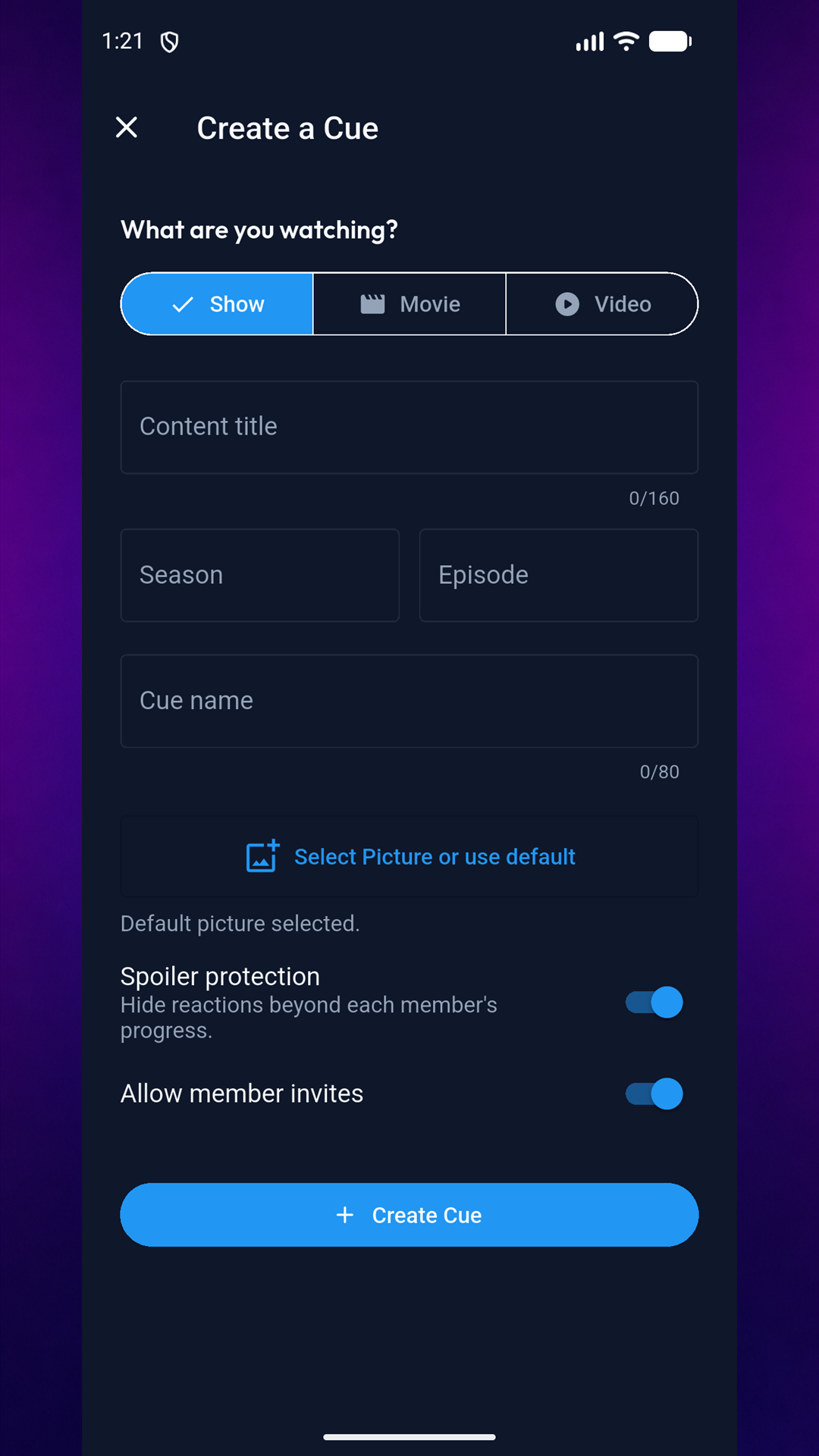
Getting started with Cue
Learn how rooms, invitations, progress, and reactions fit together.

Choose the right reaction
Explore emoji, text, photo, and voice reactions for different moments.
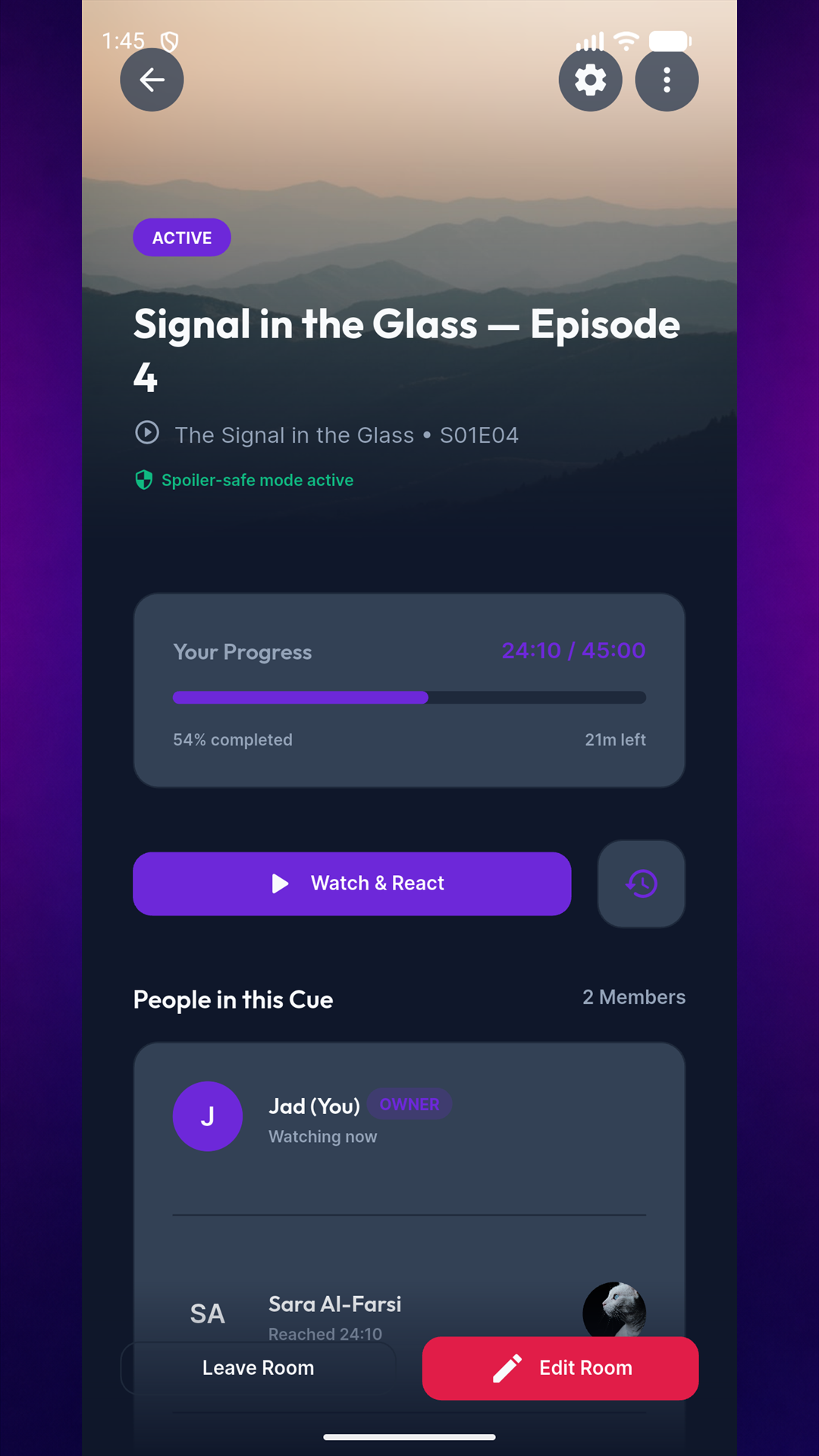
Keep rooms spoiler-free
See how viewing progress can protect friends who are behind.