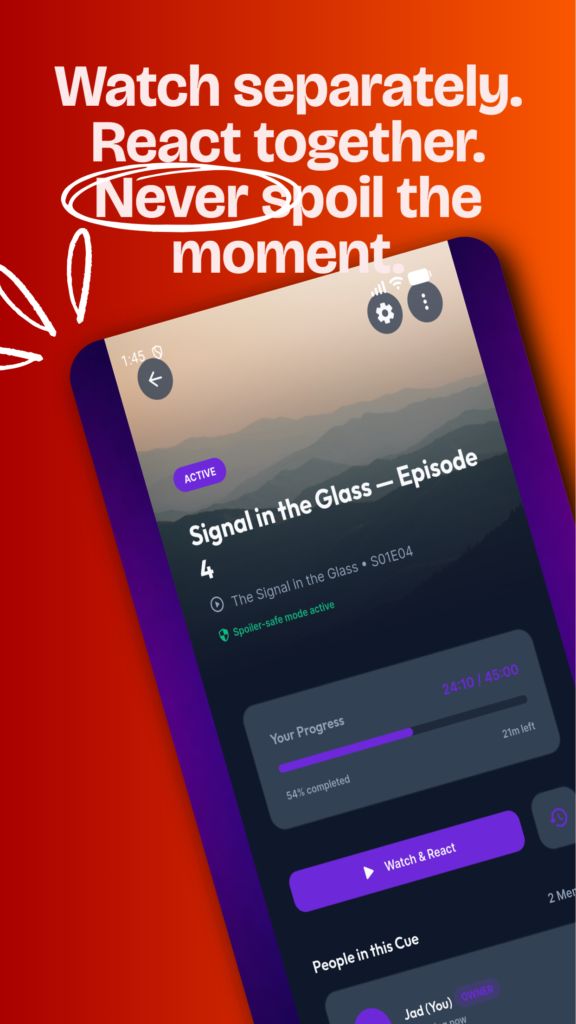
Cue connects friends around the moments they are watching, even when their schedules do not match.
Each person watches on their own streaming service, television, or device. Cue provides the private room and places every reaction at the correct viewing moment.
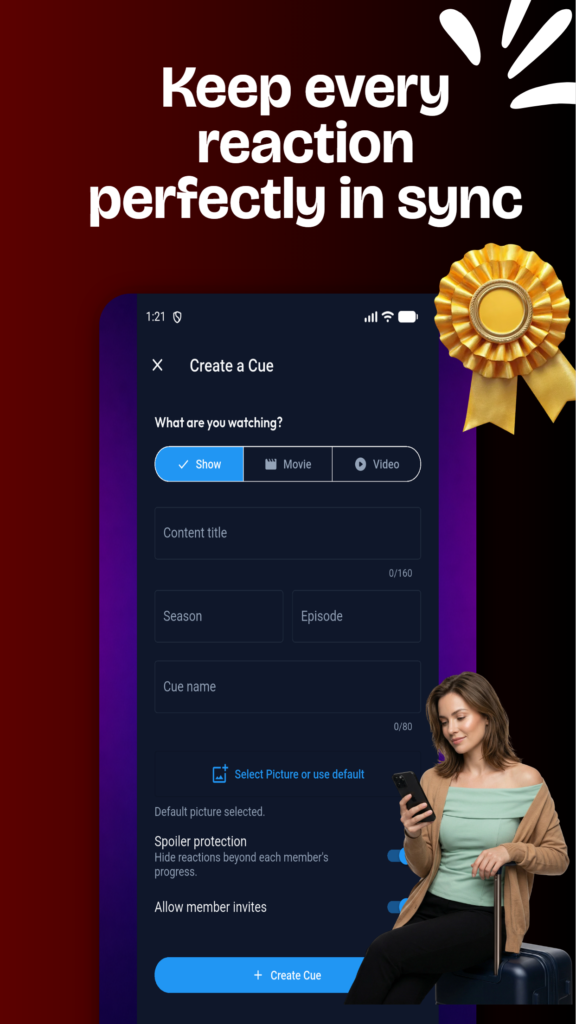
Create a private room
Name the room, identify what you are watching, and invite the friends you want to share it with. Rooms stay focused on your group.
React at the exact moment
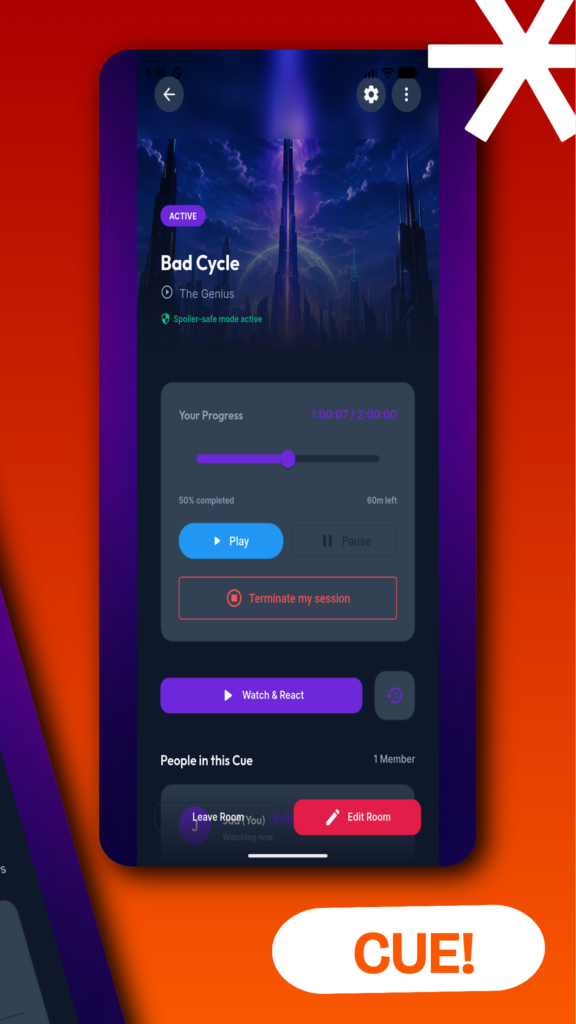
Set your current position and add an emoji, text, photo, or short voice reaction. Cue saves it against that point in the content.
Let friends watch at their pace
Room progress helps the group understand where everyone is without revealing reactions from moments a friend has not reached.